A little over a month has passed since we arrived back from the Scotland and as promised, we have donated the remains of our Gadget Road Trip fund to British Red Cross.
This afternoon, I transferred the remaining balance of £42.32 from our Monzo Card to the British Red Cross charity and thus rendered the account empty.
I was personally extremely upset by the Grenfell Tower disaster earlier this year, which I know also affected Paul. The British Red Cross were on the ground there immediately after it happened and provided much need assistance to the poor families that had lost their loved ones, their homes and everything they owned in a matter of minutes. It is because of this, that I wanted to donate to this charity. Since Grenfell, other disasters have continued to affect the people of our planet and the British Red Cross have continued to provide much needed support for these people who have lost absolutely everything they own and still lack the basics of clean water, electricity and food. If you would like to continue to help them, you can also donate via this link
Thank you so much again to the following people and organisations for their kind donations of funds or services!
XSItems Ltd ACPlus Favorite Fried Chicken Free Reign Internet Coderus Gavin Dadd Patrick Lohan Jackie Robinson Ian Brown Olive Porter Sandra Grilli Callum McGilvery.
We wouldn’t have been able to feed ourselves during the trip and have something soft to sleep on. Thank you again.
Thanks also to Hillcroft Park in Ullswater for allowing us to stay at their lodgings for two nights (They will be featuring in the upcoming sitcom ‘Home from Home’ with Johnny Vegas, so keep an eye out!) and Far View Bed & Breakfast in Kilchoan (I won’t forget little Gracie exclaiming “My wellington boots fell over!!” as I took her and her dad on a little test drive).
As I continue to ride the wave of euphoria of completing the 1200 mile east to west Gadget Road Trip with my lifelong friend Andy. Today I joined BBC Radio Suffolk’s Sarah Lilley on the Sofa in Ipswich and explained how the challenge came about and how it felt to drive 1200 miles in an Electric Car and why I love Gadgets!
I also talked about how I met Vanessa, how I listen to music and an ill fated trip to Tunisia in 1996.
Listen in to the stream, bookmark the site, we have a LOAD of reviews coming up over the next few weeks, so stay tuned!
The human race has always been fascinated by the stars in the sky. From guiding themselves across the seas, planning the harvests or daydreaming about visiting far away planets, we spend a great deal of our time thinking about the stars and planets.
It is fascinating to think that we have only really begun to understand the Universe in the last 50 years and continue to be humbled by our place its vastness and the influence it still continues to holds on us.
So, when I was contacted by the makers of Cosmic Watch, I was intrigued on how an app was going to give me a much deeper understanding of our solar system and the movement of the planets and celestial bodies.
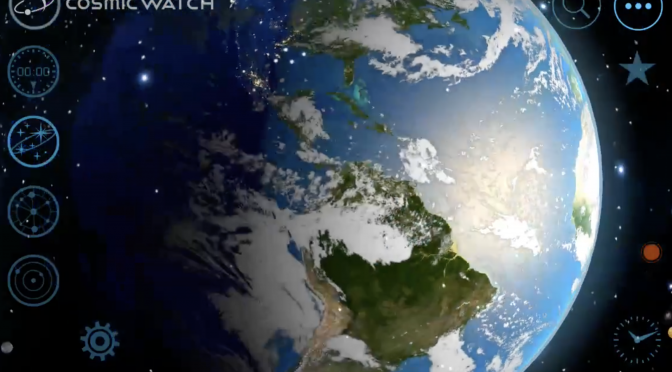
A screenshot The Cosmic Watch of one of the many different modes available.
To start with, Cosmic Watch is a really good looking mobile application, with an incredibly slick, but simple to operate user experience. This is an app that can be any one of many things, from world clock, searching for planetary positions to finding Astrology Star Sign and it’s relation to those constellations at your time of birth.
Any astrophysicist worth his salt will tell you that the study of our Universe is not simply the study of ‘space’, it is also the study of ‘time’, this is conveniently called ‘Space-Time’. It’s called this because everything in our Universe is moving and thus “In physics, spacetime is any mathematical model that combines space and time into a single interwoven continuum.”.
In order to understand and track the stars and planets we need to understand Space-Time in order to be able to find the positions of the planets and stars at any given point in the past and the future.
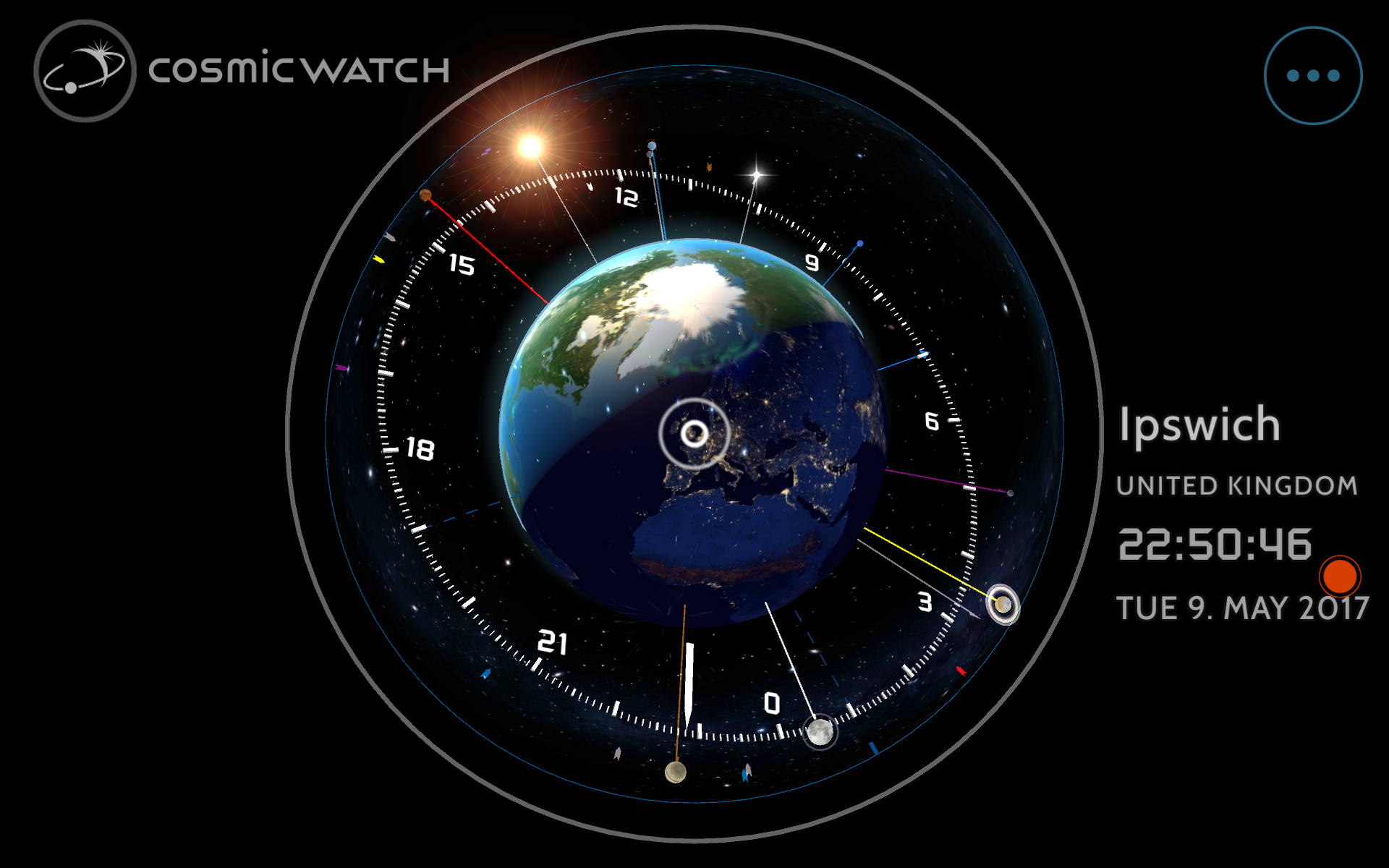
A screenshot The Cosmic Watch of one of the many different modes available.
Cosmic Clock can provide this information using a 3d user experience which places our planet Earth in the centre of everything, not as a step backwards in our understand, but in fact to help us understand our place in the Universe. It does this both effortlessly and beautifully.
Cosmic Clock has three main modes:
World Clock – For time keeping around the globe
Astronomy – For viewing the constellations and planets
Astrology – The study of the position of the stars and their perceived influence on us and our daily lives.
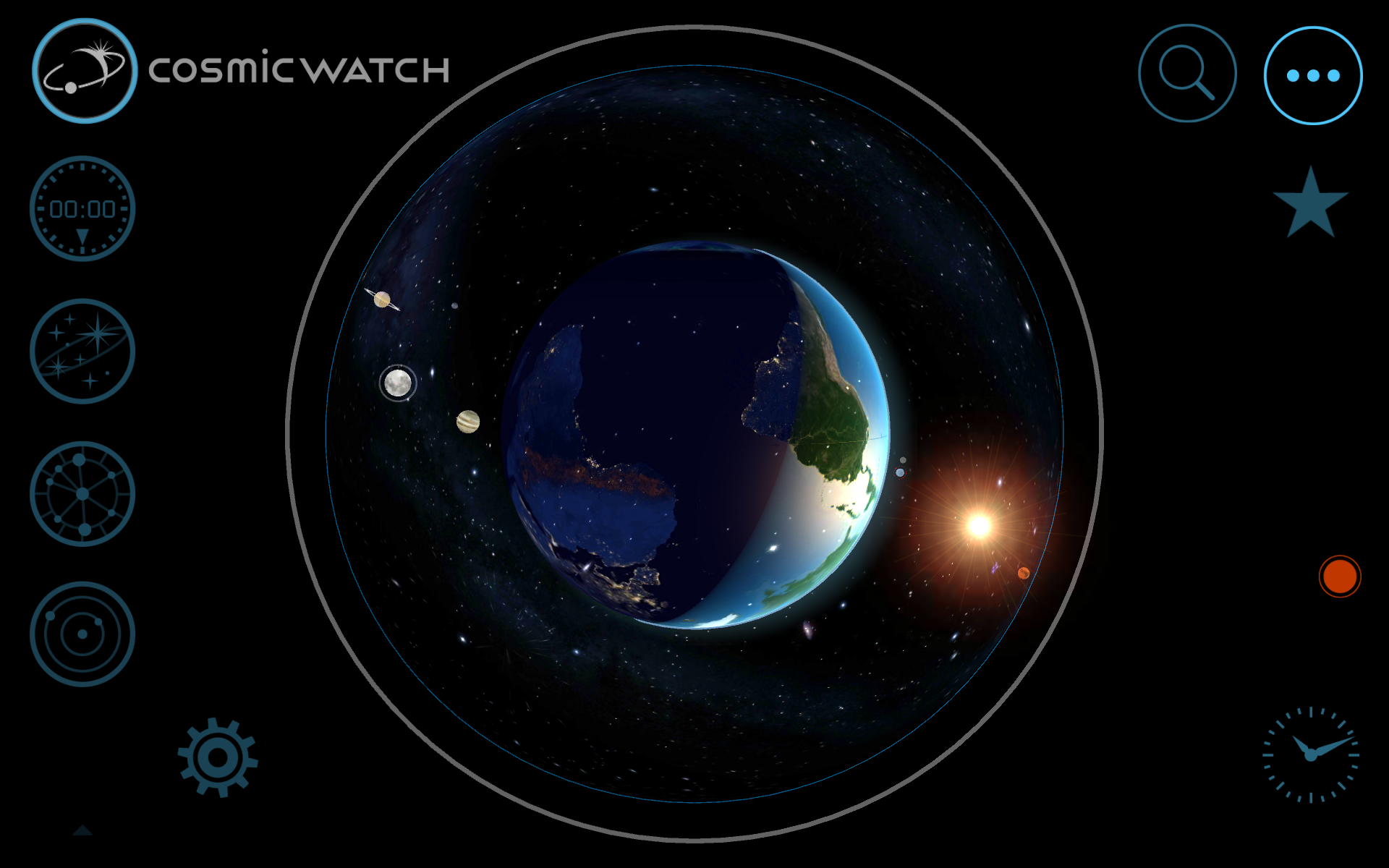
To navigate any of these modes you use buttons on the left hand side of the screen, with additional buttons placed at the base of the screen to control how the information is displayed.
Swiping the screen causes everything to rotate in 3d around the Earth, you can also pinch to zoom in order to see a particular place in detail.
In clock mode, you can actually use your phone or tablet as a desktop clock, just make sure you connect it to a charger first. You also need to switch off ‘sleep’ mode to keep the screen on. This is a fascinating view as it shows the Earth in real time including the approaching sunrise or sunset.
Astronomy mode display the stars and planets with added labels. You can speed up, freeze or reverse time to find out the exact position of celestial bodies as specific times.
Astrology mode shows the plants and stars using their traditional symbols and signs of the zodiac. It’s very detailed if this kind of thing interests you.
Throughout all of these modes, there are a myriad of different settings available to allow you to display the cosmos in pretty much any conceivable fashion and it’s certainly extremely interesting to use.
The app makes use of the internal sensors or your phone and tablet including the compass. This helps you align the display of the app with the actual night sky and makes the experience fascinating as rather than guessing the position of a planet, you can accurately predict when it will be in the sky.
If the stars and planets interest you, Cosmic Watch will provide you with a fascinating insight into the Solar System and wider Universe and it an absolute MUST PURCHASE and at £4.99 it is worth every penny.
You can purchase Cosmic Watch for iOS here or Android here
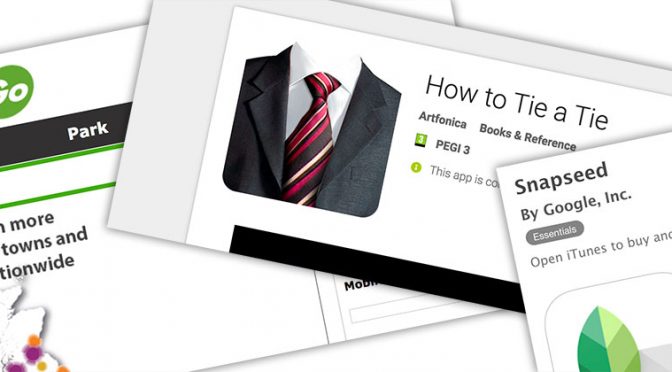
It was great to be back on BBC Radio Suffolk this morning chatting about technology, today I chatted to James Hazell about ‘Three Useful Apps’
Snapseed – a fantastic little photo editing app that is being used by more than just amateurs as a quick way of fixing photos on the move. Free – (iOS/Android)
How to Tie a Tie – I love this app and make use of it every month. If you want to know how to tie a Windsor Knot or even a Pratt, this is the app to help. Free – (iOS/Android)
RingGo – The premier parking app. Have you even arrived at a car park and not had change. Have you ever had to rush back to your car because the time was running out. Worry no more, it can all be done from RingGo!
Listen in to the stream to hear what I think about these ‘Three Useful Apps’ this week.